by Seij De Leon
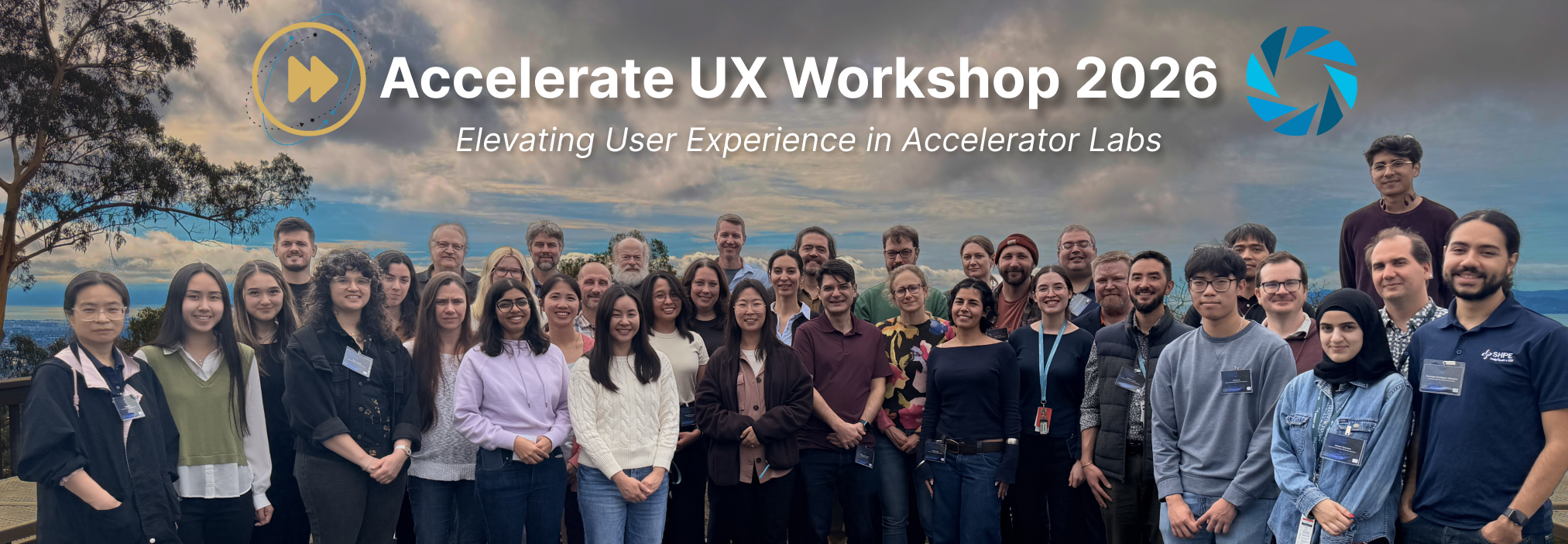
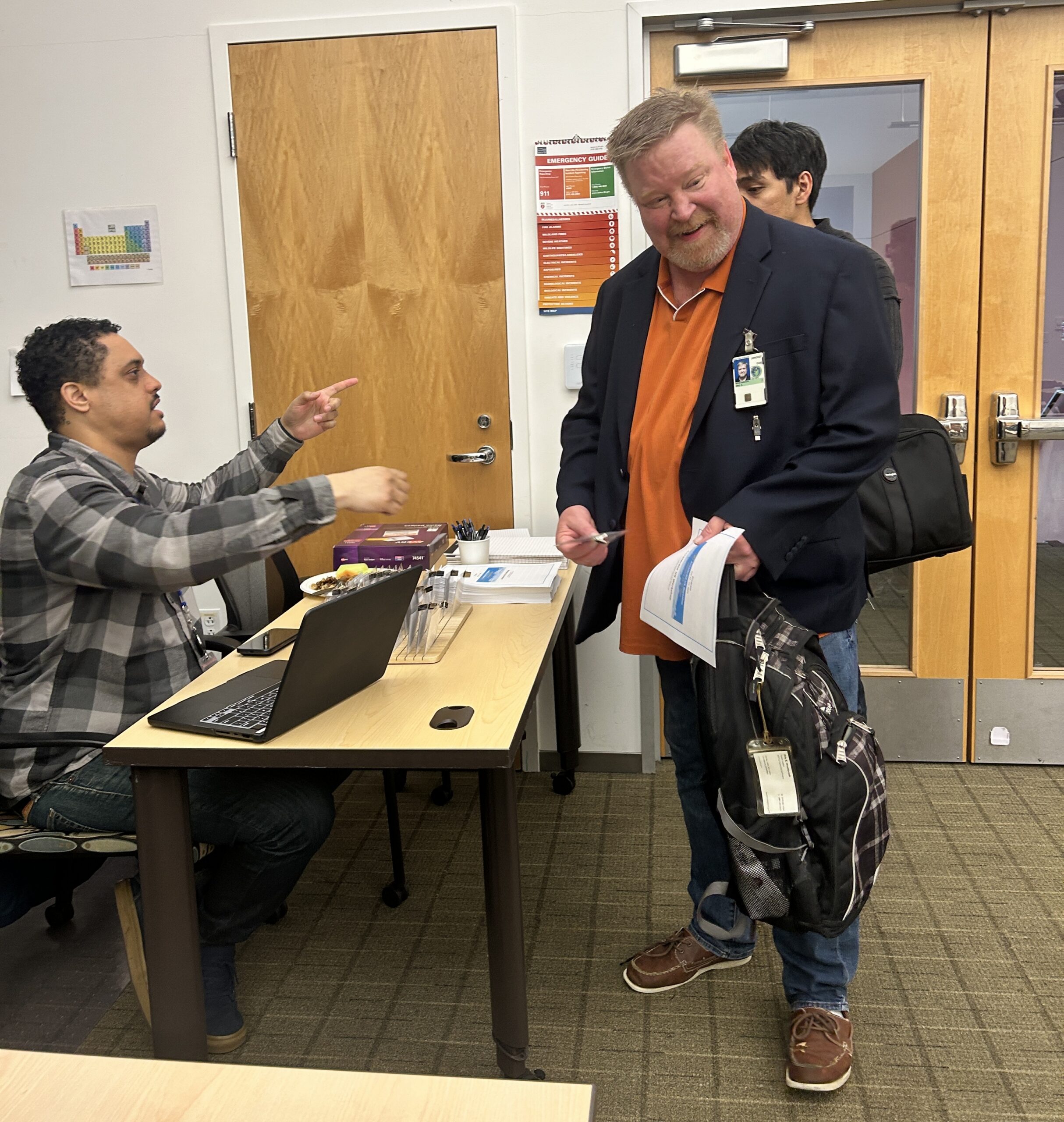
In late February 2026, staff from 11 different accelerator lab facilities gathered at the Advanced Light Source (ALS) for a three-day event, the Accelerate UX (AUX) Workshop. What could bring together so many different participants from across the United States and abroad? The answer is simple: a chance to improve the user experience for operators, scientists, engineers, researchers, and all others who work at accelerator labs.
The Accelerate UX Working Group (AUX-WG), comprising software developers, user experience (UX) engineers, and human factors scientists from accelerator labs, organized the workshop and put together an agenda that included case studies, hands-on UI/UX training, panel sessions, group breakouts, and even a hackathon with ALS beamline and accelerator staff. Needless to say, it was a packed schedule.
Facility overviews
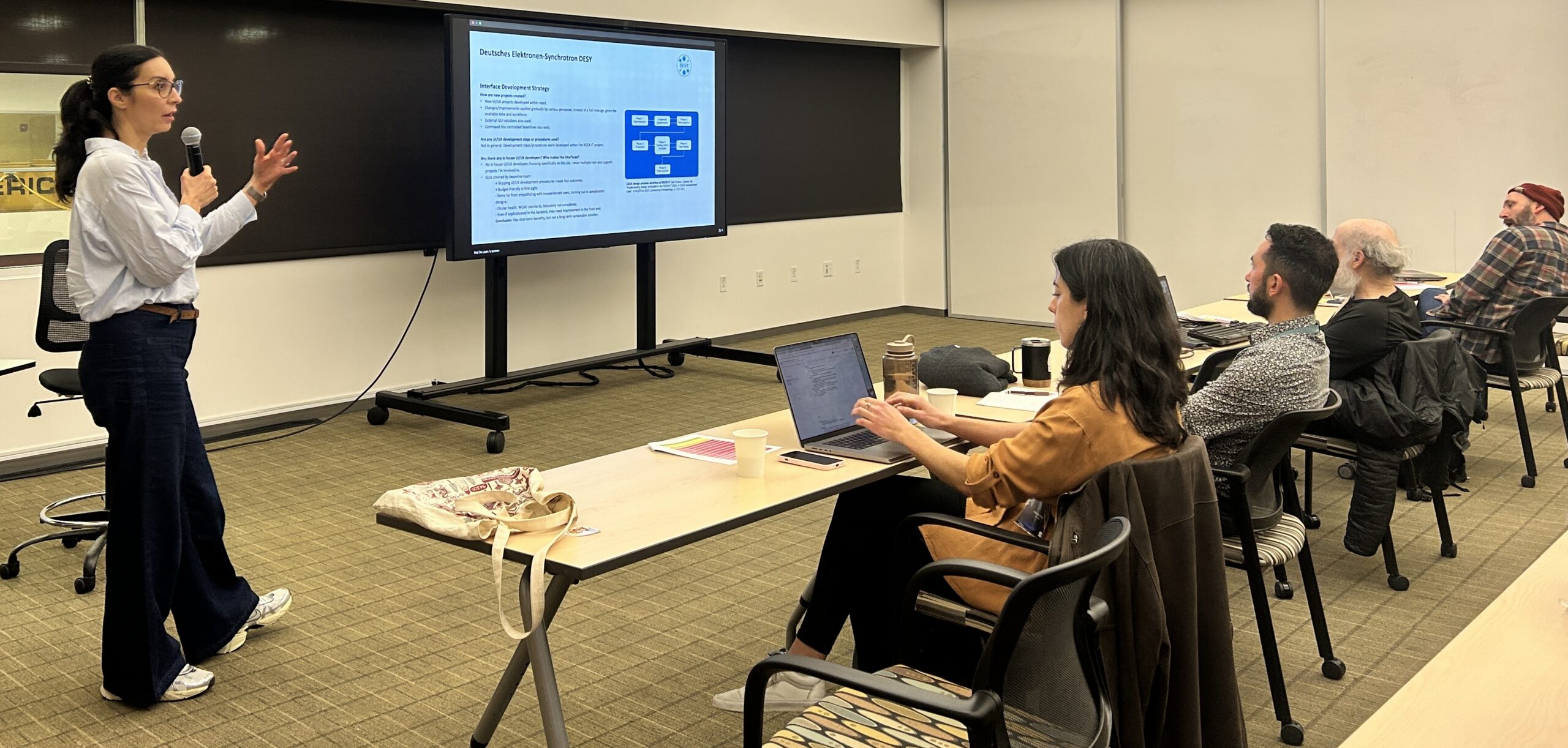
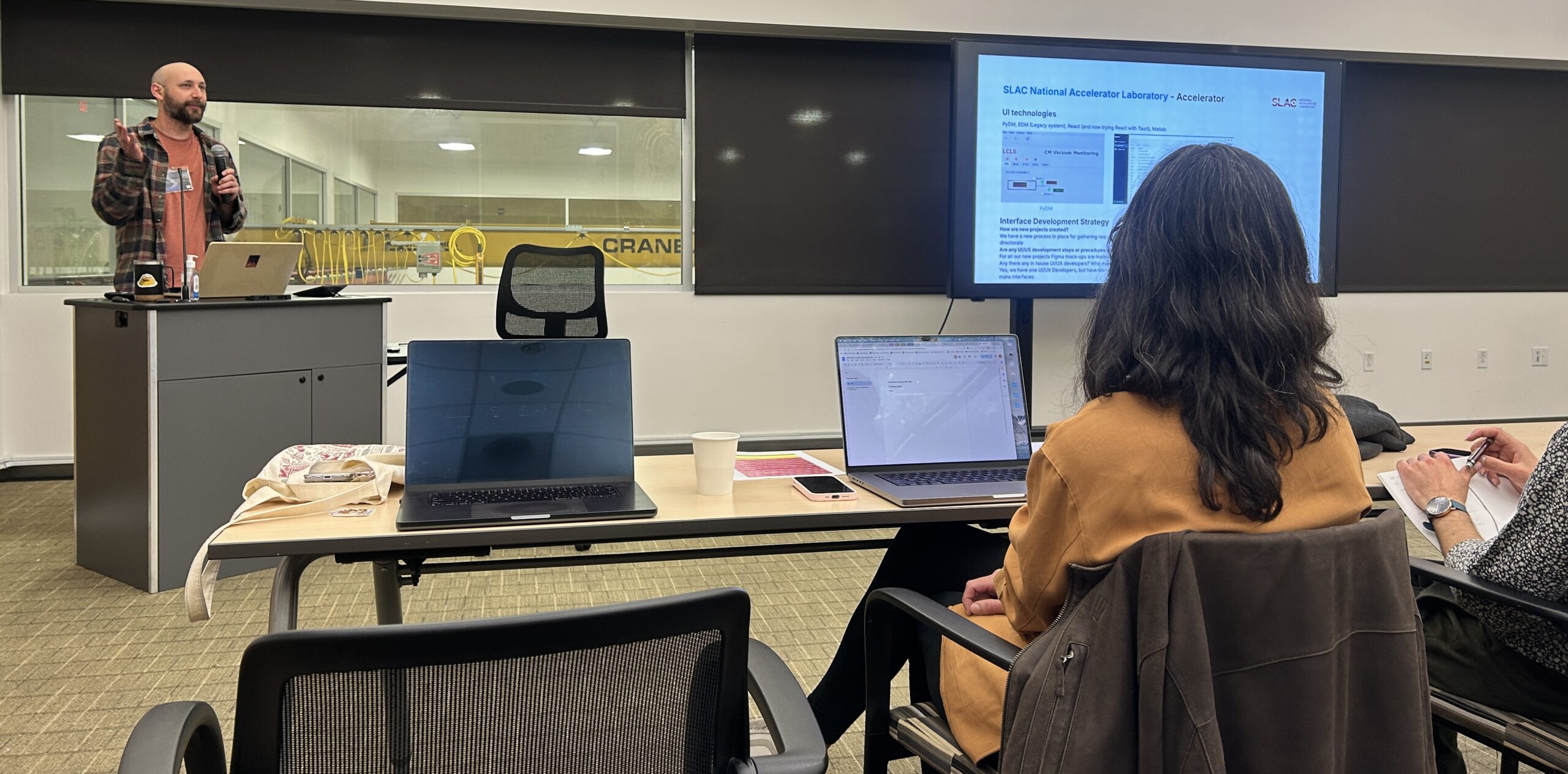
On the start of the first day, each facility attending had a representative present on the current status of software development and UI/UX procedures at their lab. It’s rare to have such a wide variety of labs participating in a discussion on their development practices, so this was an invaluable opportunity to gather so many perspectives in one place. Hearing what your neighboring labs are doing and what is working helps generate ideas for the next practice or procedure to implement.
Basic techniques
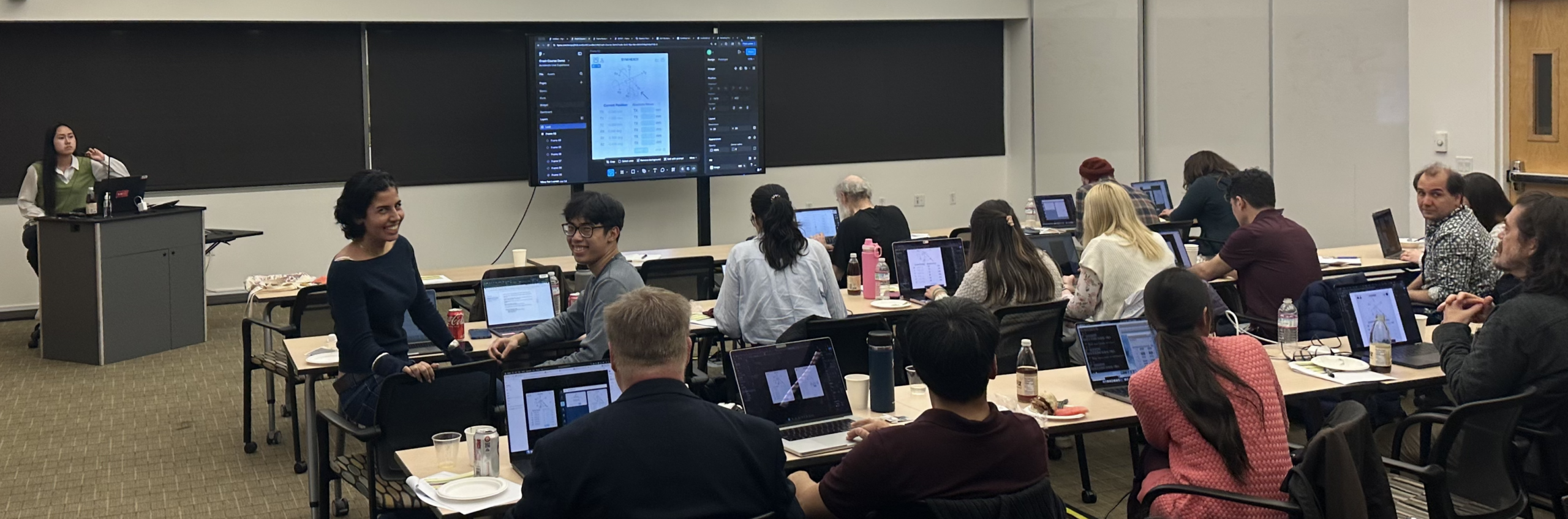
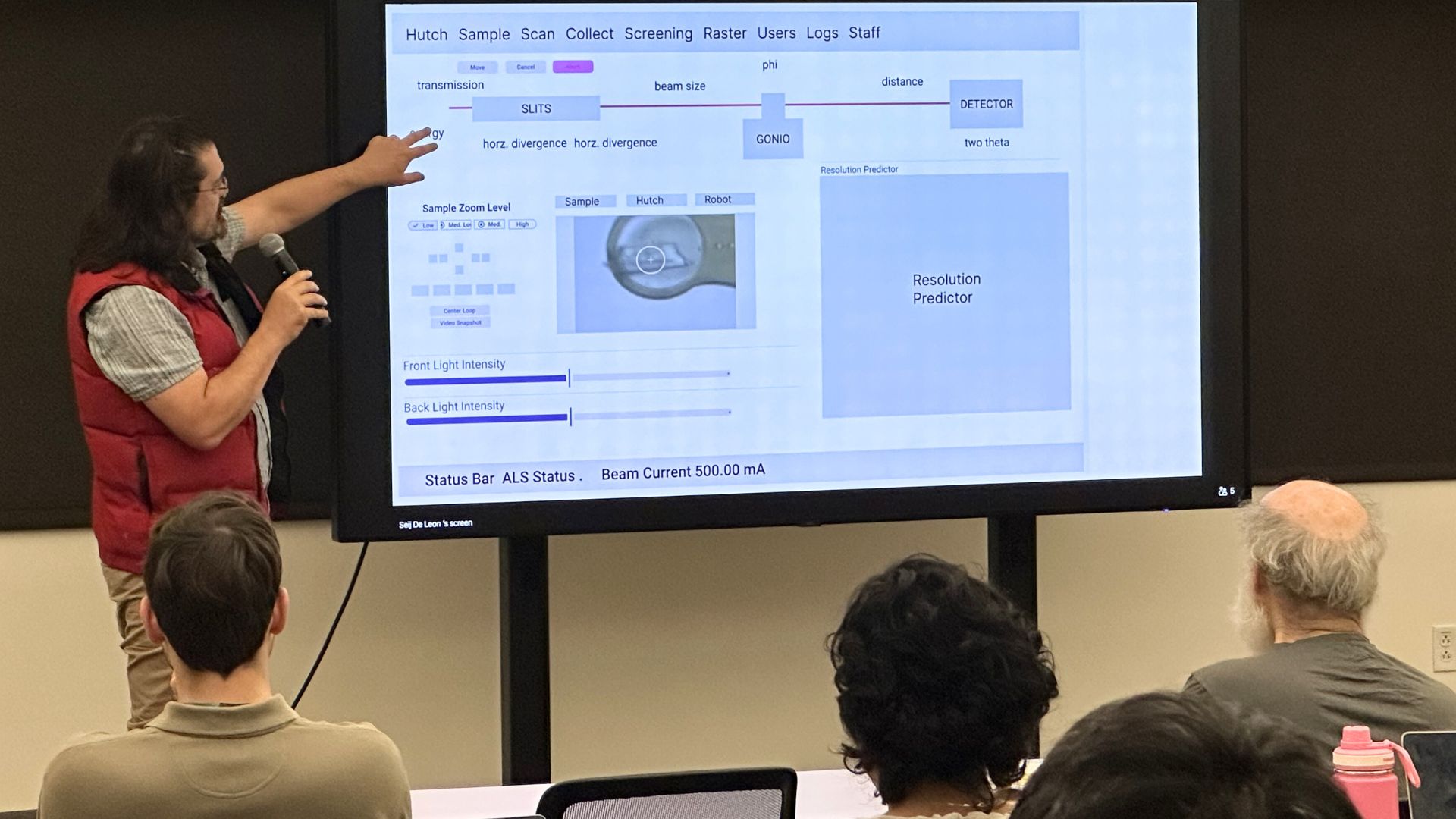
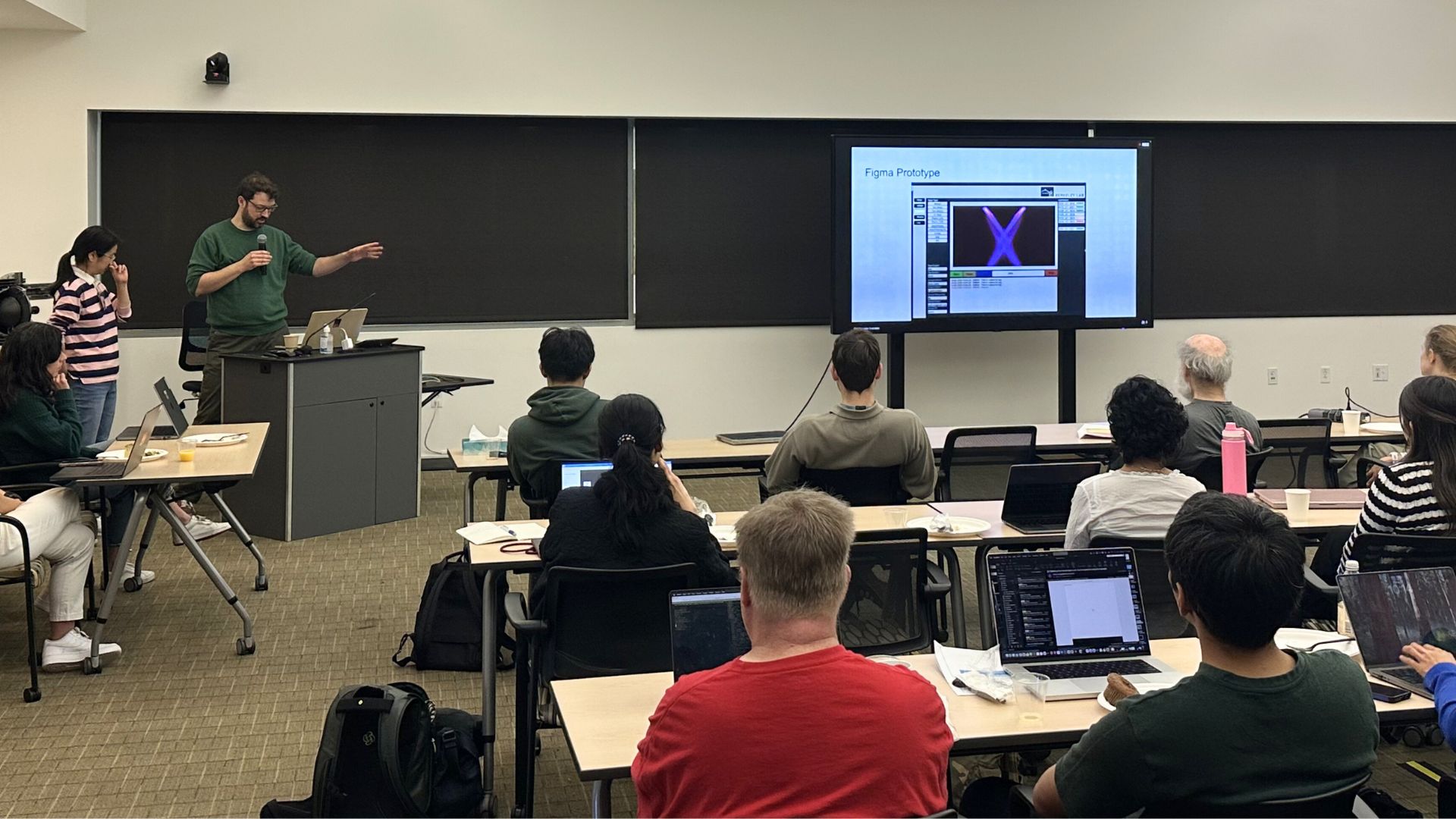
The event organizers taught attendees the basics of UI/UX, prototyping, and AI tools. Madelyn Polzin (UX Engineer, FermiLab) gave a beginner-friendly lecture on what UX is, and then dove into how design systems and style guides can be used to create cohesive interfaces. Tiffany Tran (Software Developer, SLAC) led a hands-on tutorial for Figma prototyping software, showcasing the value of prototyping before starting to code. Seij De Leon (Software Developer, ALS) had attendees try out various AI prototyping software that can create fully functional interfaces with simple text-based prompts. By the end of the first day, attendees had learned firsthand how to perform modern UI/UX techniques and develop prototypes, which would be useful for the rest of the workshop.
Real-world applications
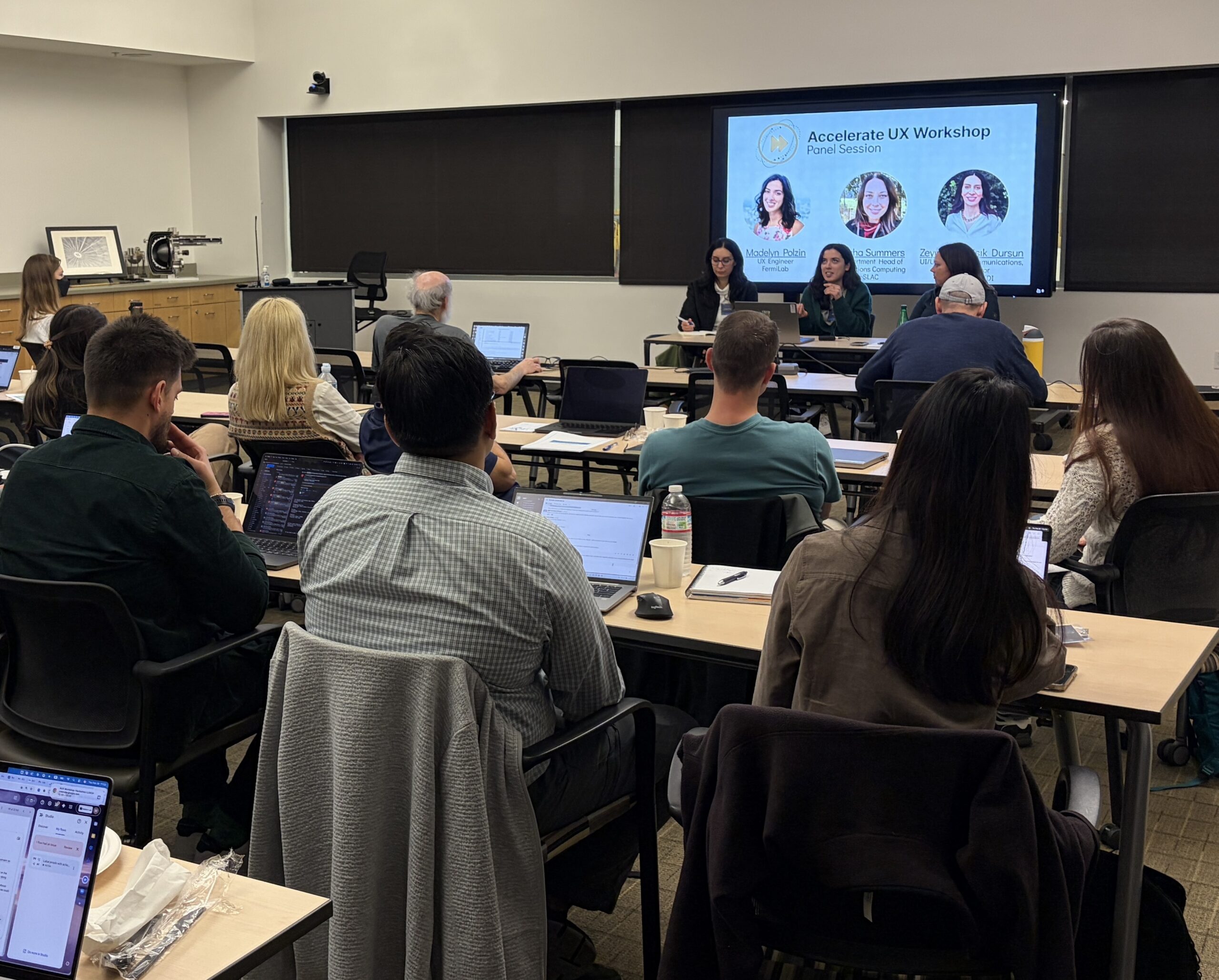
On the second day, attendees presented case studies from specific projects and efforts at their labs. This ranged from UX lessons related to alarms and decoding user experience from UI analytics, all the way to UX lessons from conversational AI deployed at beamlines.
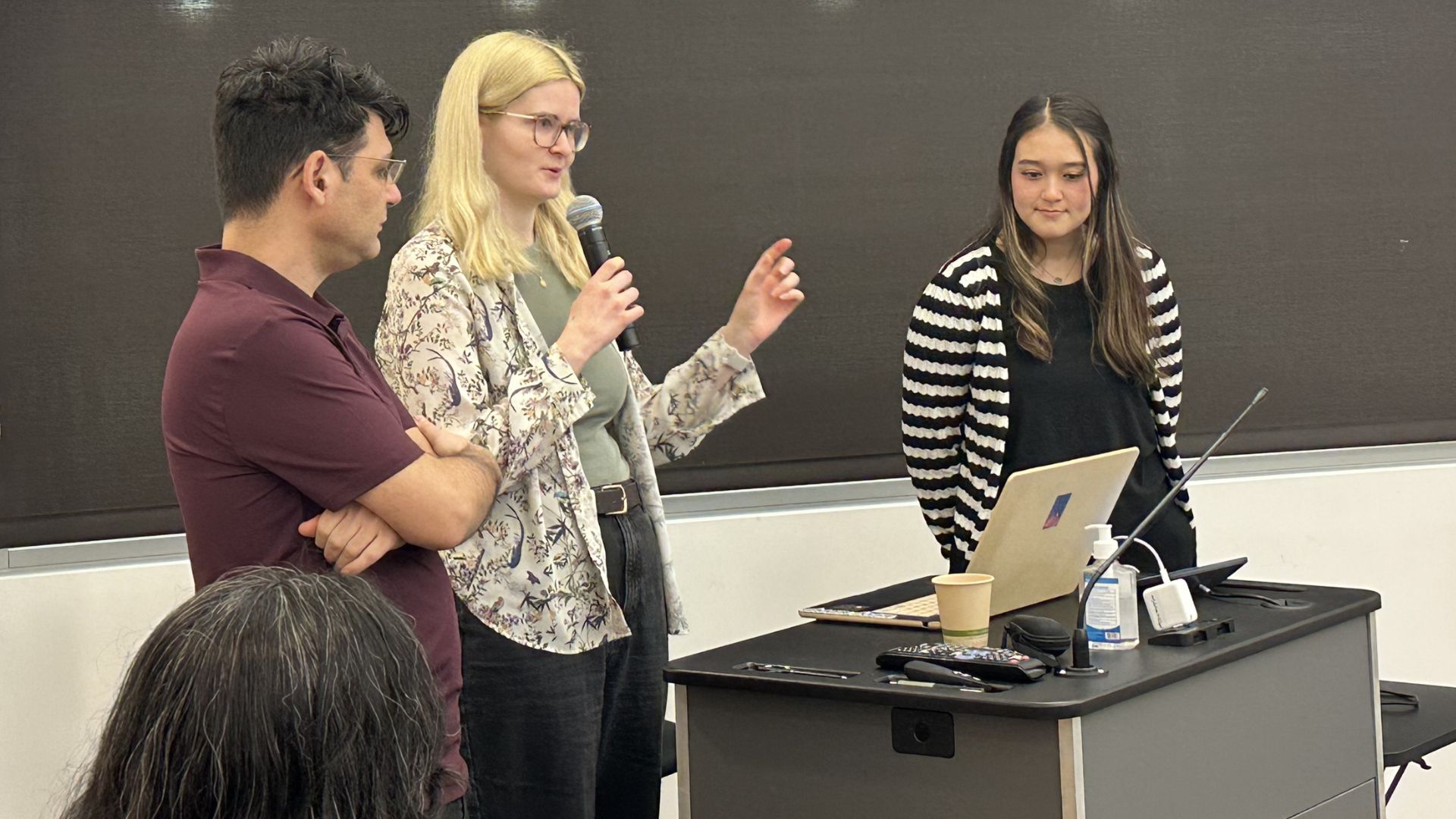
Afterward, Madelyn Polzin held an insightful panel session with Tasha Summers and Zeynep Isil Isik Dursun. Workshop participants got to explore questions through the UX expertise from Madelyn and Zeynep, along with the wealth of industry experience from Tasha.
Hackathon
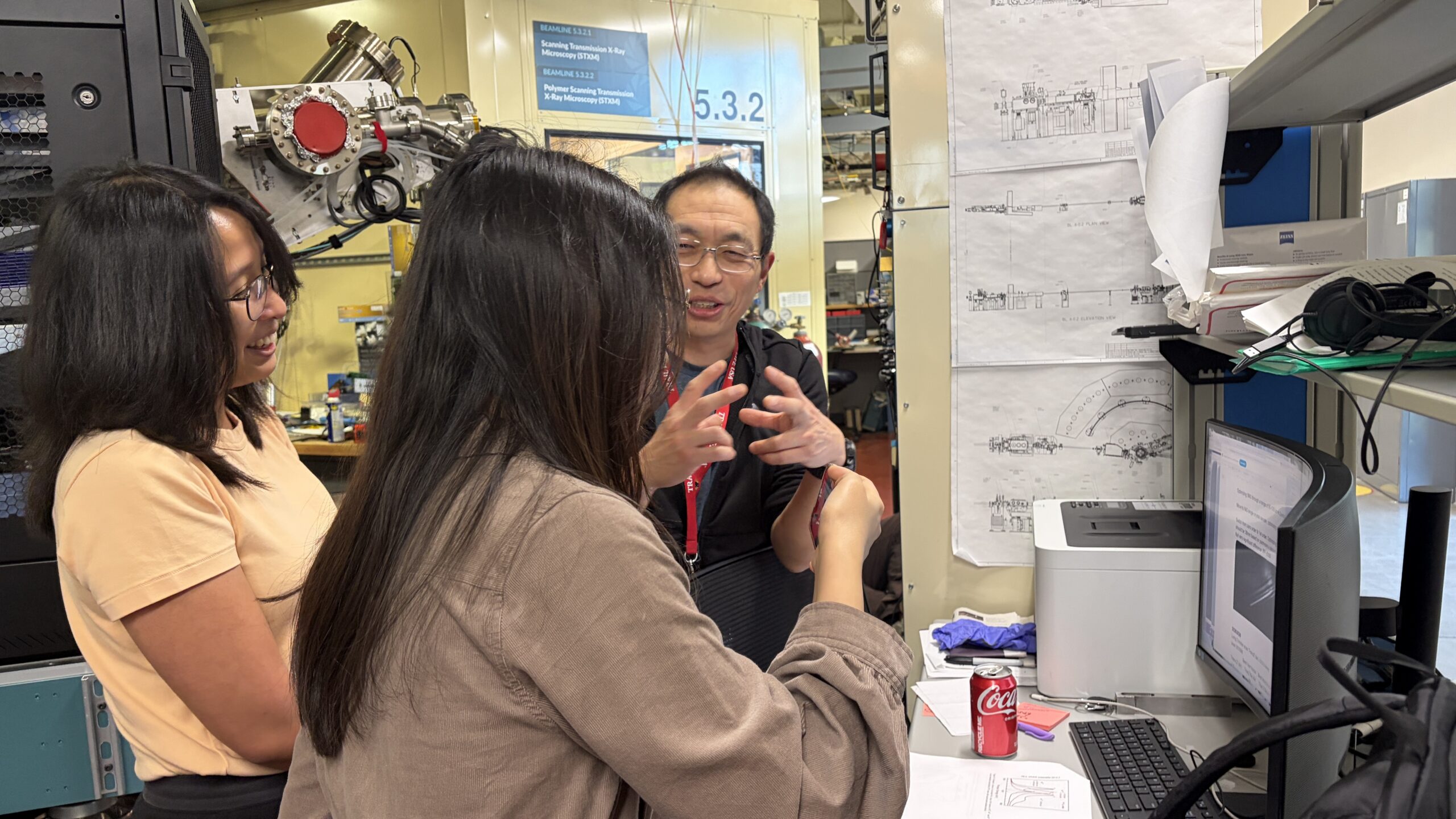
The workshop became even more interactive with the hackathon. Ten ALS staff answered the call to do something seemingly simple: show up with an idea for an interface that would benefit their users. Each staff member partnered with a team of two or three attendees who interviewed their new ALS client. Teams practiced their UX interviewing skills, tried to understand context beyond the ALS staff members’ initial requests, and worked to develop a formal requirements document. Then, teams focused on turning requirements into prototypes. For many (even experienced developers), creating a visual prototype was a novel task.
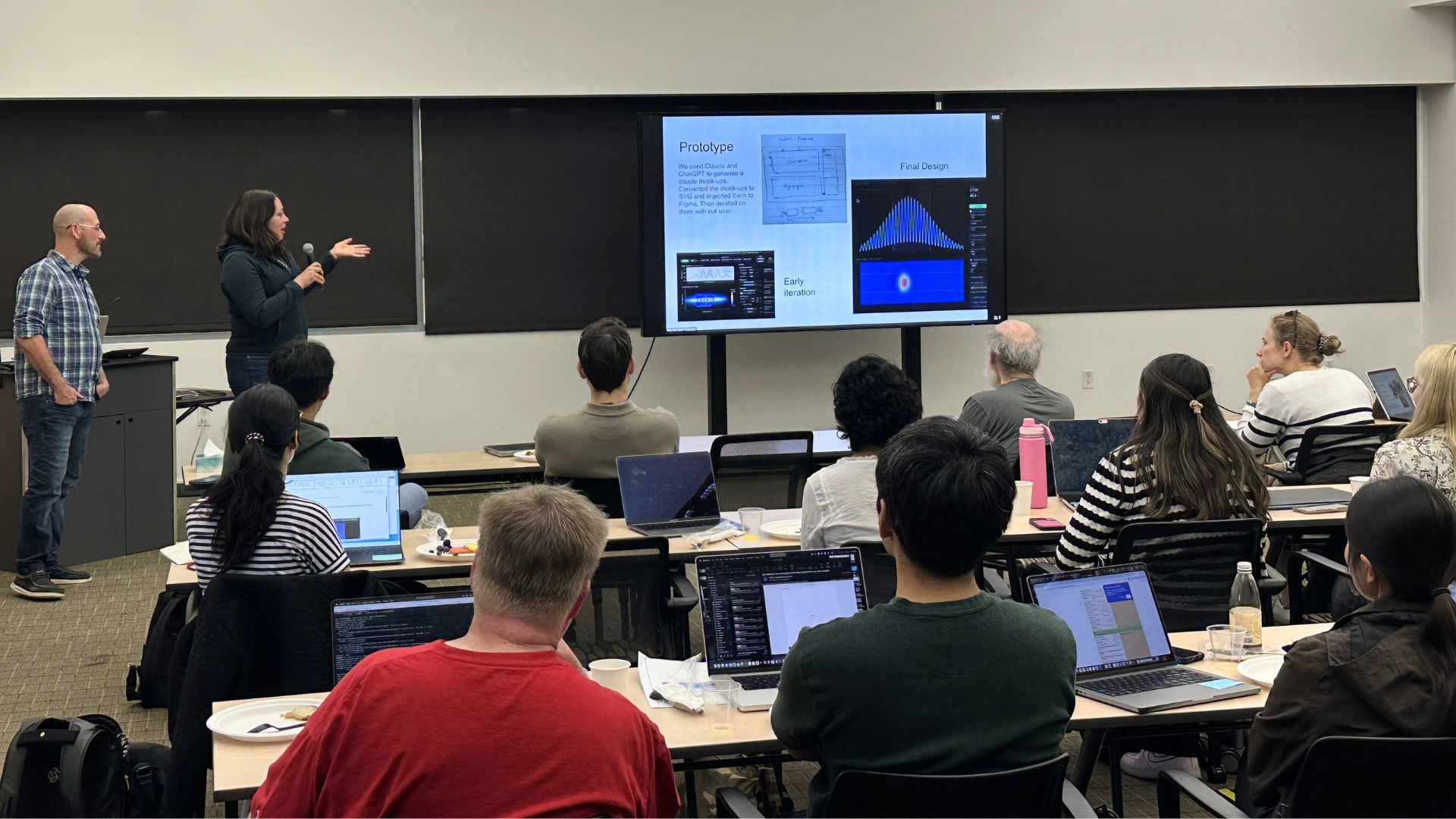
With only a few hours, and inexperience with prototyping software, many attendees spent some time early on using AI tools to generate aesthetically pleasing views to get ideas and direction. Those who used AI then had to figure out how to transfer code-based designs into a visual software, exploring different methods like exporting to SVGs, screenshotting, or even re-prompting on accounts that had export features built in. Teams found out that while AI can be useful, it also has some drawbacks. The day ended with attendees preparing a short presentation to explain what they had created.
The last day of the workshop had three main events, including an overview of the hackathon results from each team with ALS staff in the audience, more case studies, and a breakout session.
As each team presented their final results from the hackathon, ALS staff were in the audience and saw their initial ideas come to life through high-fidelity prototypes. Projects ranged from a live resonant inelastic x-ray scattering (RIXS) processing interface at Beamline 6.0.2 to a mobile app for controlling devices through a phone at Beamline 5.3.1. Participants were able to show off what they could accomplish by applying basic UX techniques with prototyping software, and ALS staff got some new ideas to take home for future development.
On reflection, participants noted that the four hours provided for the hackathon felt short, and expressed a desire to be able to meet their beamline staff earlier and spend more time developing their prototypes. Future workshops will aim to prioritize hands-on demos and hackathons with even more staff involvement.
Attendee reflections on AI
Attendees then reflected on a few questions in a breakout session. The first question was: What are the biggest challenges or blockers you face when implementing UI/UX procedures at your facility?
Responses were highly insightful, and seemed to center on a few thoughts:
- Resistance to change from management in adopting new practices and workflows makes adoption of UI/UX procedures difficult
- Time and resource constraints due to limited team size and the need for something as soon as possible lead to developing right away and skipping UI/UX steps
- Lack of standardization at individual facilities leads to interfaces looking different between developers, leading to poor user experience between applications
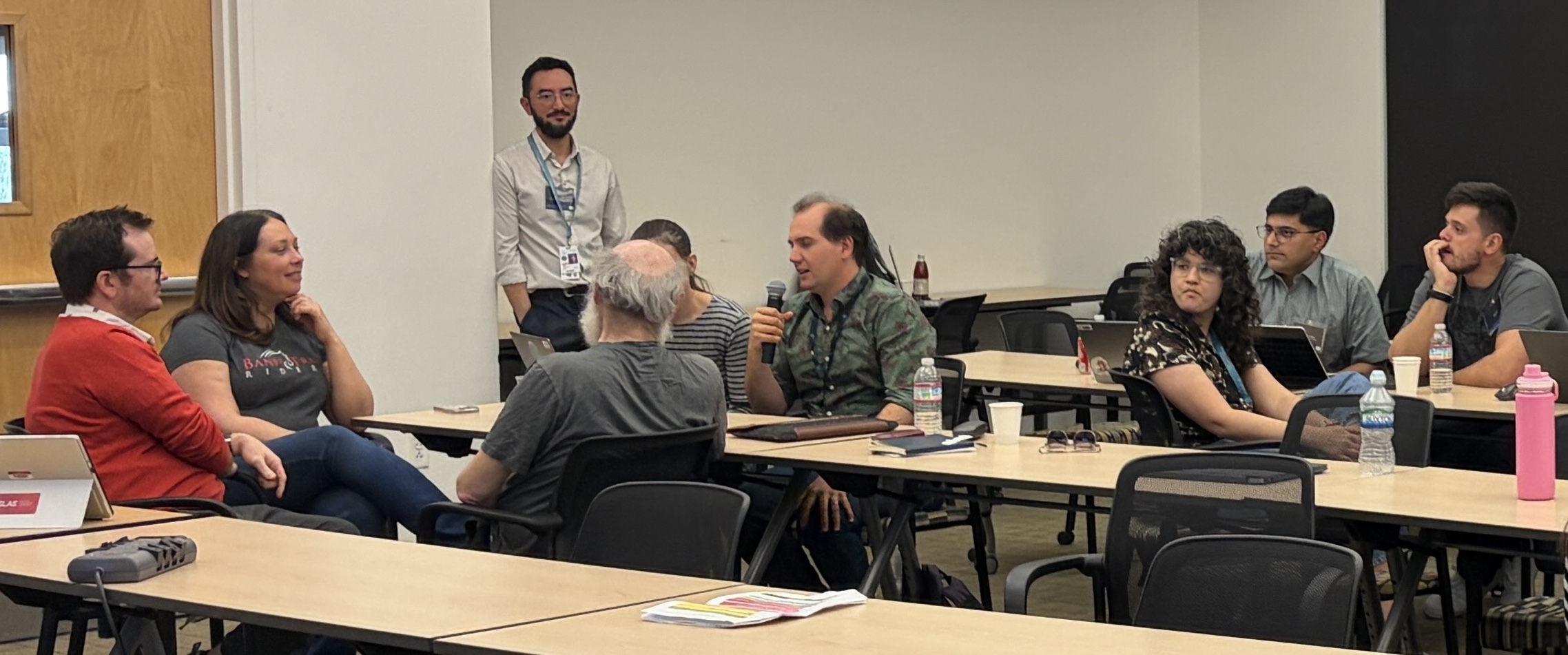
Another question asked: How might AI change UI/UX at your facility?
Responses were both optimistic and cautious:
- AI can help accelerate prototypes for new applications, allowing communication of ideas to users for early feedback
- An overreliance on using AI might lead to unrealistic expectations from end users if they see initial prototypes that seem functional
- Enhanced flexibility by allowing end users to utilize AI to modify their own interfaces and add data analysis visualizations
The breakout session was recorded and is being analyzed by the AUX Working Group to help decide what resources to produce and training to provide in the future.
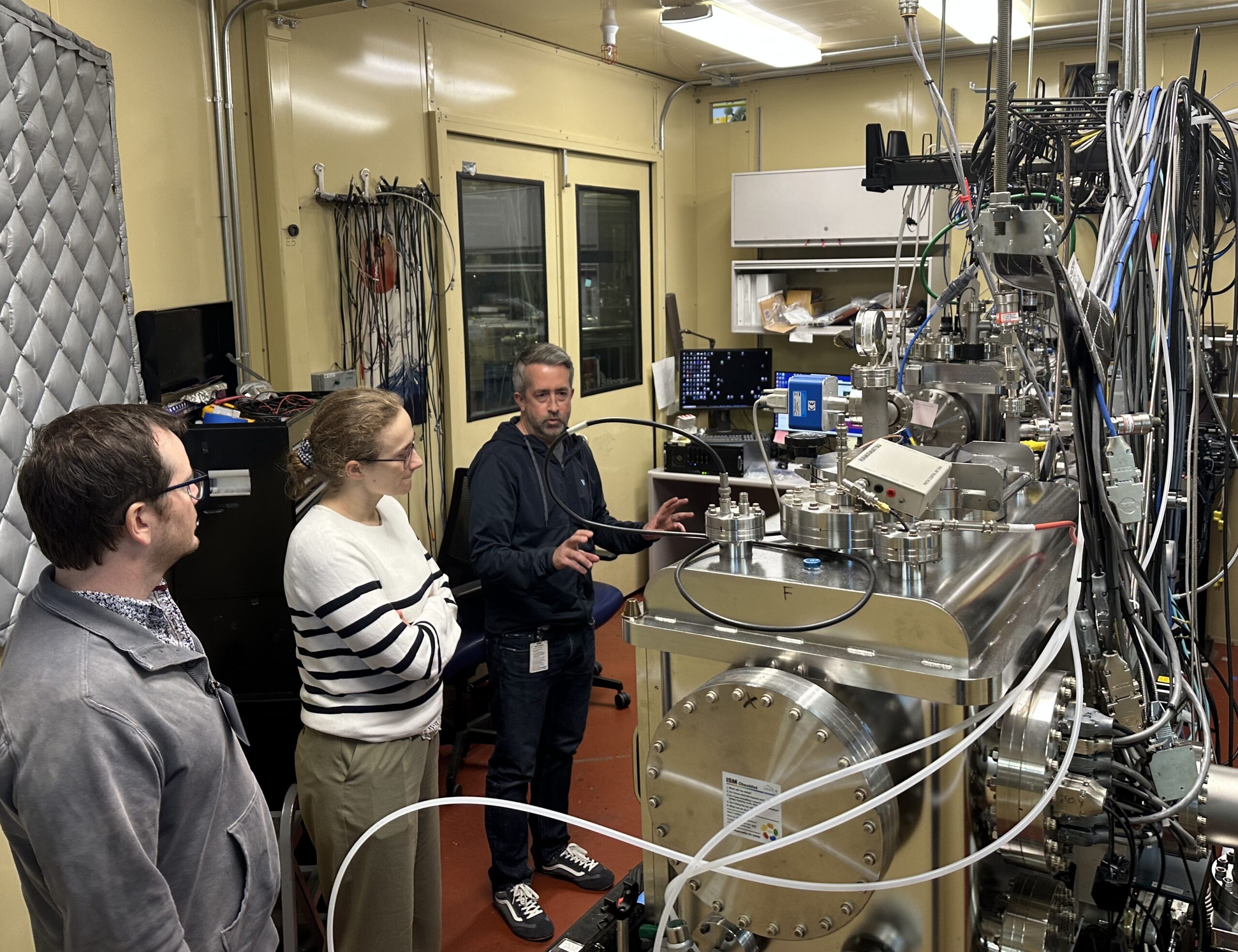
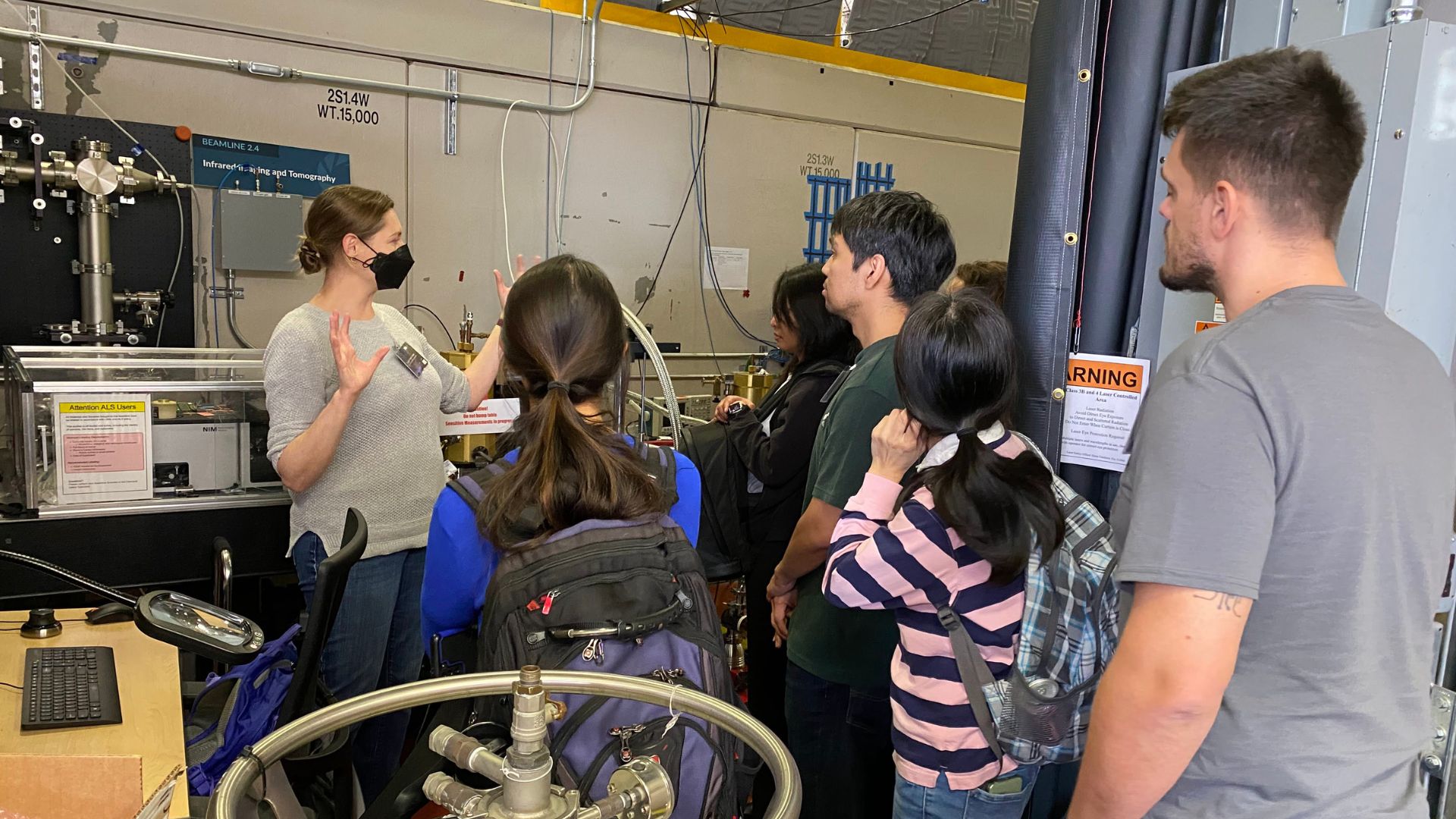
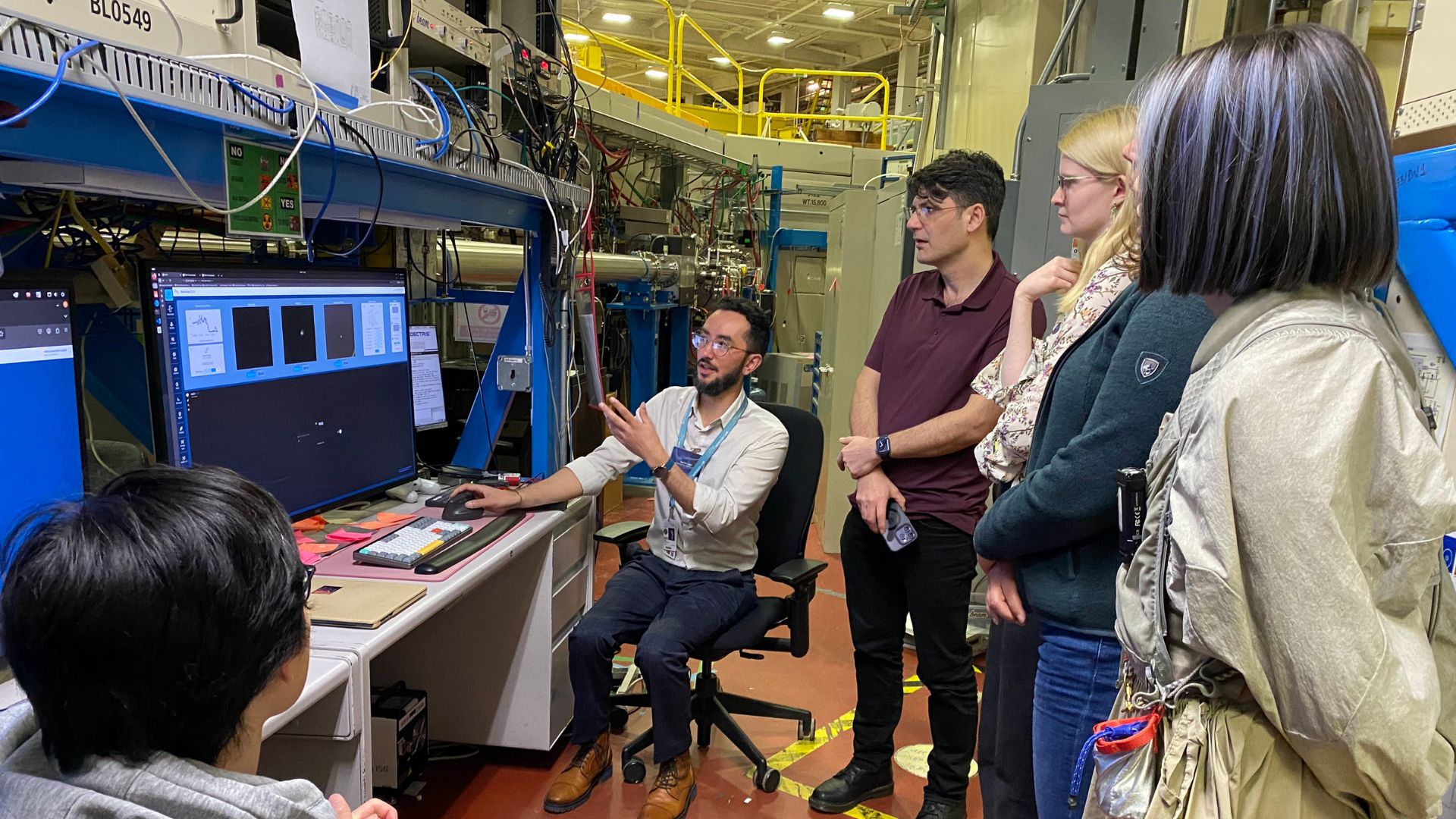
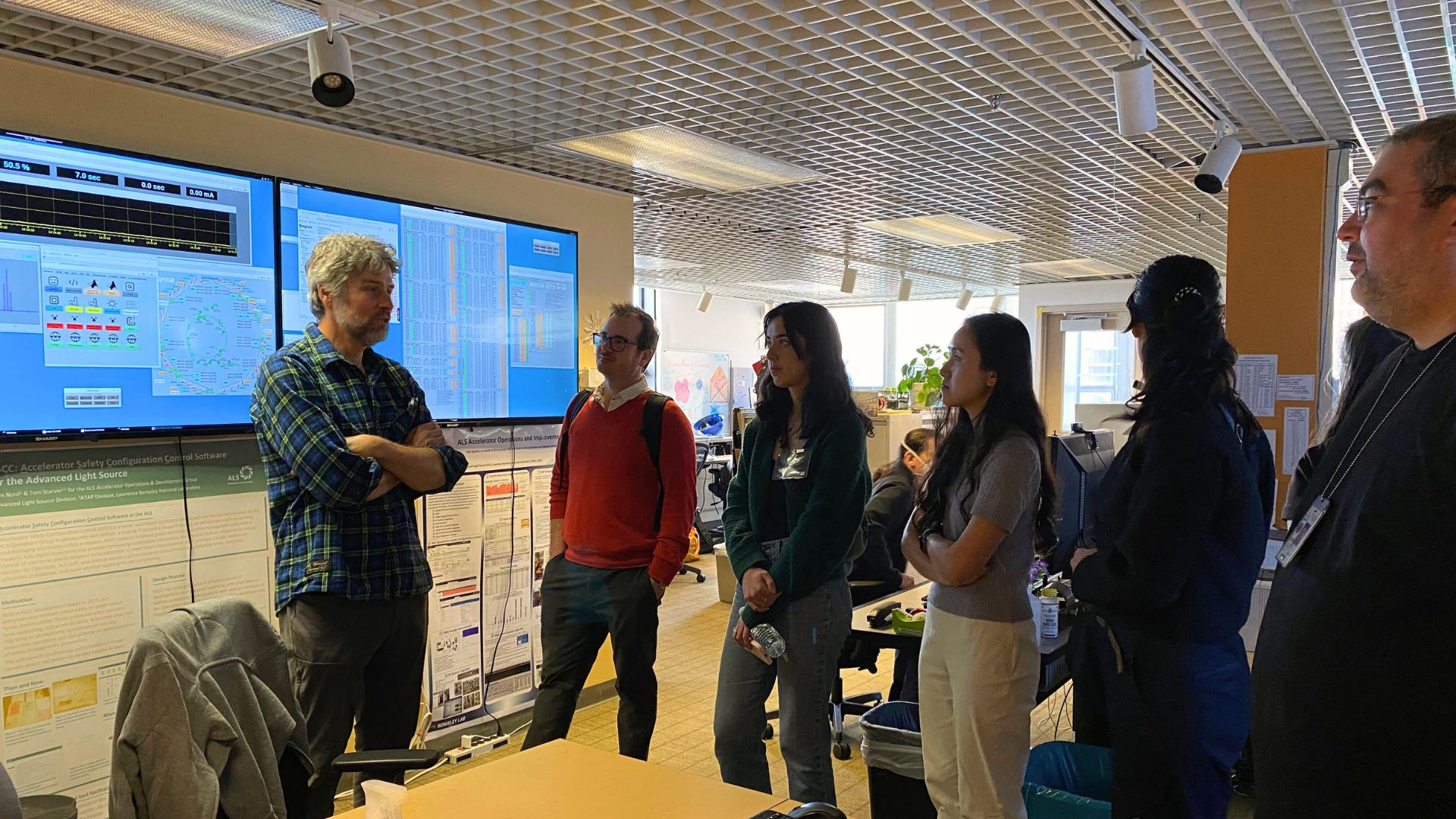
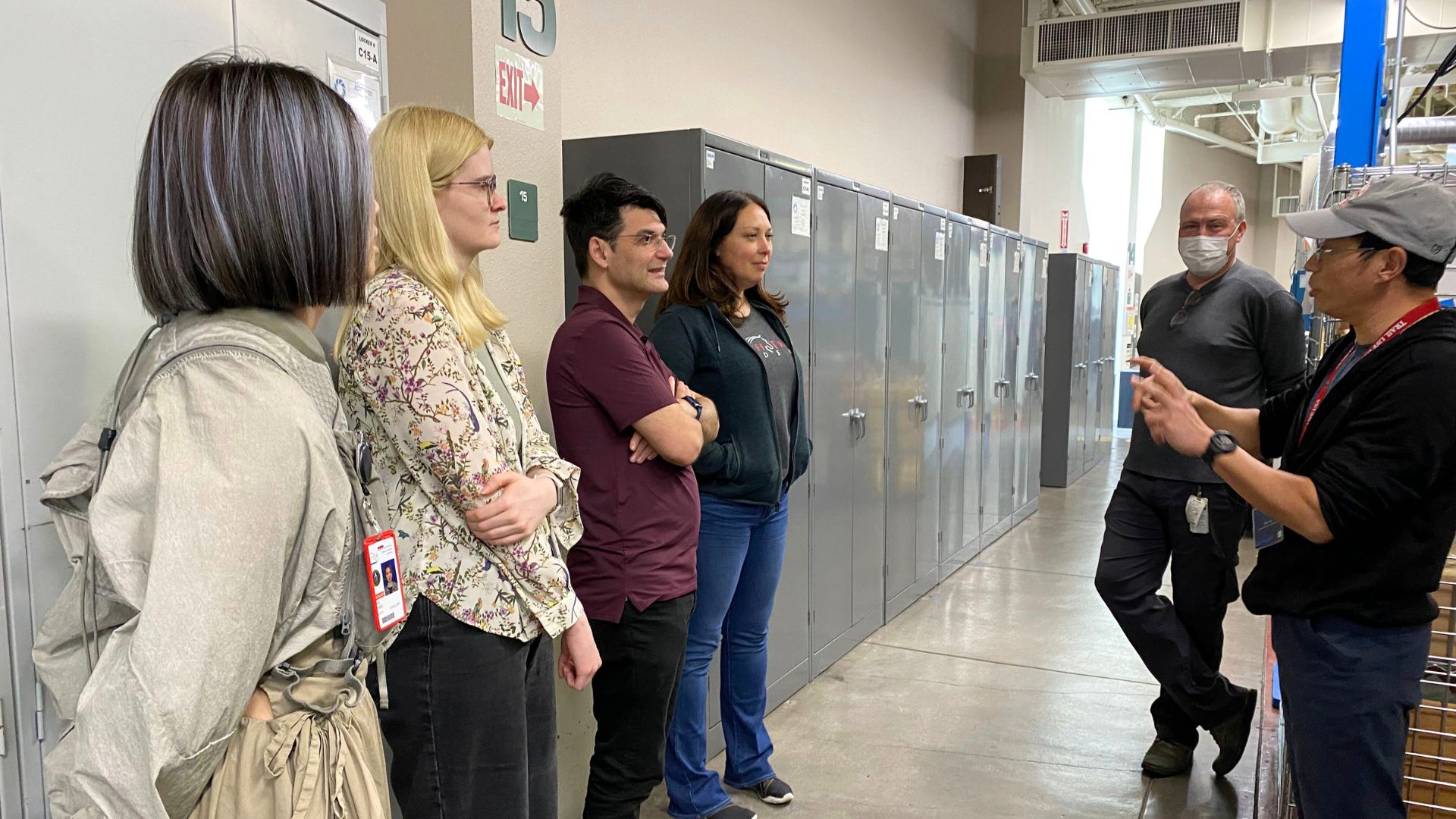
To conclude the workshop, participants went on a tour around the ALS, including several beamlines and the accelerator control room. This gave another opportunity for participants to dive deeper into the interfaces used at the ALS and bring back new ideas for their own facility.
Workshop conclusion
The ALS hosted a first-of-its-kind event that fostered connections across facilities, taught UI/UX fundamentals, and connected ALS staff with developers from around the world. The main mission of the AUX group is to make positive impacts to the accelerator community, leading to better experiences for end users. Because the ALS is committed to delivering thoughtful user experiences and high-quality interfaces, the partnership with the AUX group was a natural fit that aligned with these shared values.
The AUX group plans to hold yearly workshops, and the next event will be a satellite meeting in September at NoBUGS 2026 in Hamburg, Germany. Following the success of this year’s event, the team is excited to refine its hands-on training to better serve and support the accelerator community.